
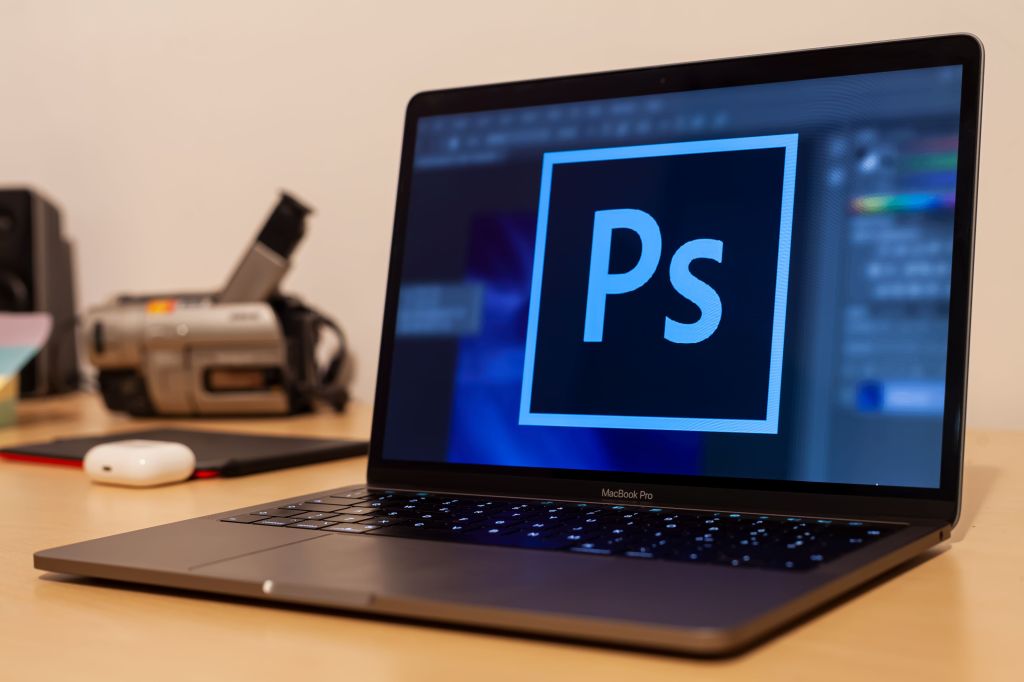
When I first started working with Adobe Photoshop, I quickly realized there was a lot more to creating a successful design than just making something look good. Photoshop offers so many tools and creative possibilities, but knowing how to use them effectively takes practice, patience and a clear understanding of your audience. Through creating a direct mailer and handout for Gaylord College, I learned how important it is to balance creativity with communication.
designing with your stakeholders in mind
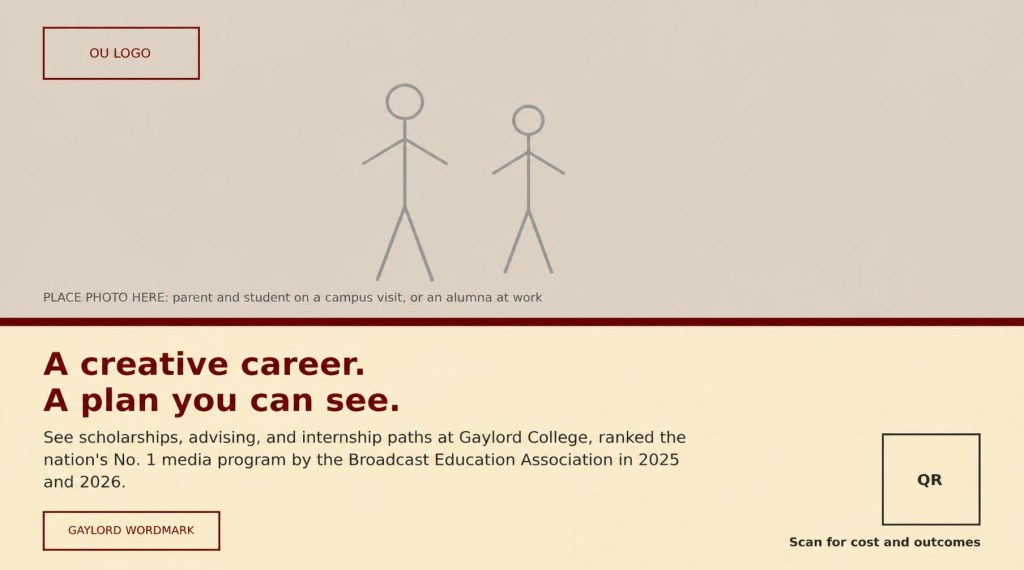
One of the biggest lessons I learned from these projects was the importance of understanding your stakeholders before beginning a design. For both assignments, Gaylord primary stakeholder, but the materials were ultimately intended to reach prospective students and their families.
This meant I had to consider both the university’s branding expectations and what would actually appeal to potential students. Using the OU Brand Guide helped me understand how to incorporate the university’s colors, fonts and overall identity while still creating something engaging.
I realized that even though the university was the client, the prospective students where the audience I needed to connect with. This influenced everything from the images I choose to the way I organized information.
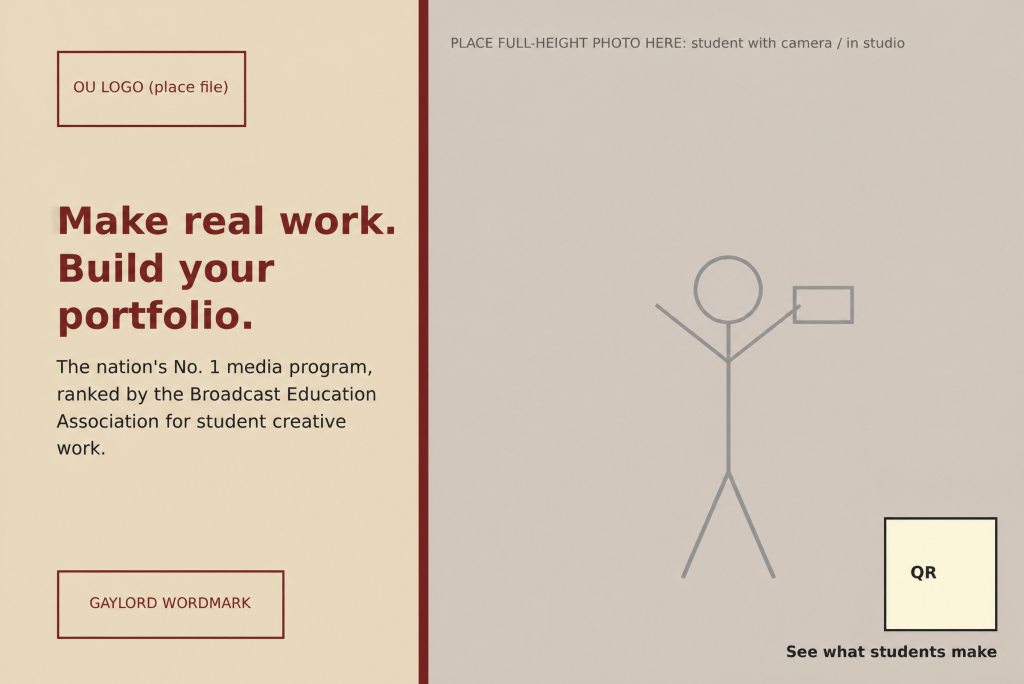
from the first draft to the final design
Another important takeaway was learning that the frist draft is rarely the final product. Throughout the design process, I found myself making changes to improve the overall layout, readability and visual appeal.
Sometimes an idea that looked good in my head didn’t translate as well once I started putting everything together in Photoshop. Reviewing my work helped me recognize areas where the text needed more space, images could be better positioned or certain elements needed to stand out more.
I also learned how valuable feedback can be. Looking at a design from someone else’s perspective can reveal things you might overlook after spending so much time working on it. The draft, review and final process helped me understand that good design is constantly evolving.
My biggest photoshop tips
My biggest advice for anyone learning Photoshop is to start with the basics and not feel like you have to master every tool immediately. Photoshop can definitely feel overwhelming at first, but becoming comfortable with a few essential features makes a huge difference.
One of my favorite tips is to use layers to keep everything organized. Being able to edit images, text and other design elements separately makes the process much easier. I also recommend learning keyboard shortcuts, especially Command + J to duplicate a layer and Command + T to resize or transform an element.
Another helpful resource is Adobes Photoshop tutorials, which provide step-by-step guidance for learning different tools and techniques.
Most importantly, I would recommend stepping away from your design occasionally and coming back with fresh eyes. It’s much easier to notice small mistakes or areas that need improvement after taking a break.
More than just learning software
Overall, these projects helped me see Photoshop as more than just a photo-editing program. It’s a tool that allows PR professionals to communicate messages visually, strengthen brand identity and create materials that connect with specific audiences.
I still have plenty to learn, but working on these two designs made me more confident in my creative abilities. My biggest takeaway is that successful design isn’t necessarily about using the most advanced tools or creating something complicated. It’s about making intentional choices that communicate the right message to the right people.
references
Adobe learn. (2024). Adobe.Com. https://www.adobe.com/learn/photoshop
Brand. (2025). Ou.Edu. https://www.ou.edu/brand


Leave a Reply